I Just started learning tiled last week and I have made decent progress, but recently after reopening unity, it seems like one of my tilesets seems corrupted. The source Image and Tileset files are in the same respective folders as a different tile set that works perfectly so I’m not sure where the error is coming from. I tried scanning the various forms for a solution but most of the results that showed up seemed to be about offsets instead of this issue.
This is what the tile set looks like in tiled (basic attempt at some decorations before attempting something more complex)
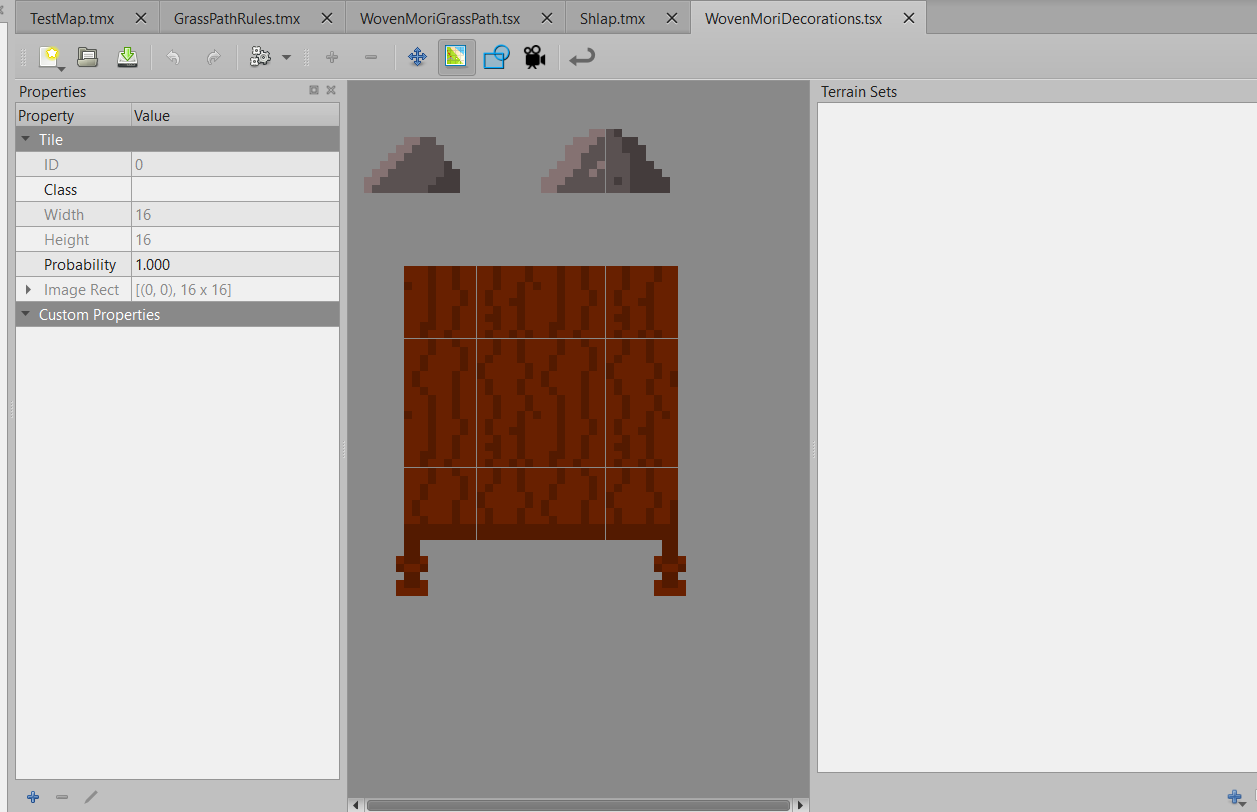
Here is what the relavent section looks like on the Tiled Tilemap
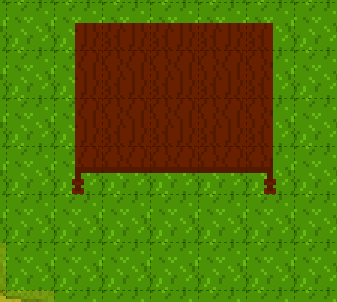
and here is what the same section looks like in unity

The grass and pathways tile set work perfectly but every tile in the decoration tile set turn into these grey and white tiles.
The folder section of unity shows each tile correctly though

so I’m not sure where these grey tiles are coming from. I have tried closing and reopening unity, I have tried completely deleting and remaking the tile set, I have tried reimporting everything, and I even confirmed that tiles from the working set still works on the same layer as the broken ones (they do). Information on how to resolve this would be greatly appreciated.